


Start with the one thing you already know. Your ceremony time gives you a full day of timed steps. Your total gives you a budget split. Your guest count gives you tables. Each tool below runs in your browser, prints on one page, and needs no account.
Pick a task and start
Choose what you need to settle this week. Every link opens a tool with a working default, so you never see an empty page.
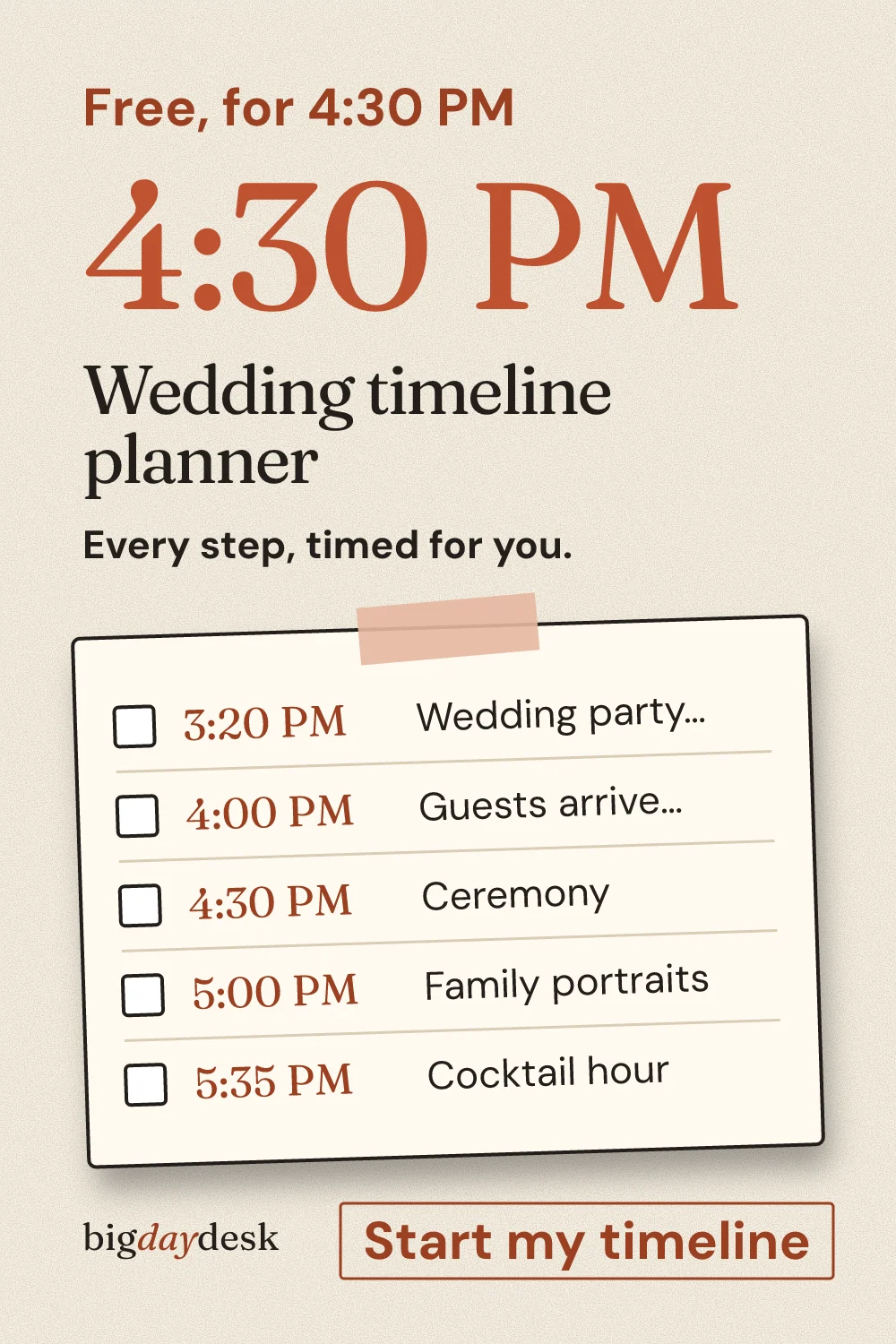
- Time the day. Type your ceremony time into the wedding timeline planner and every step shifts with it.
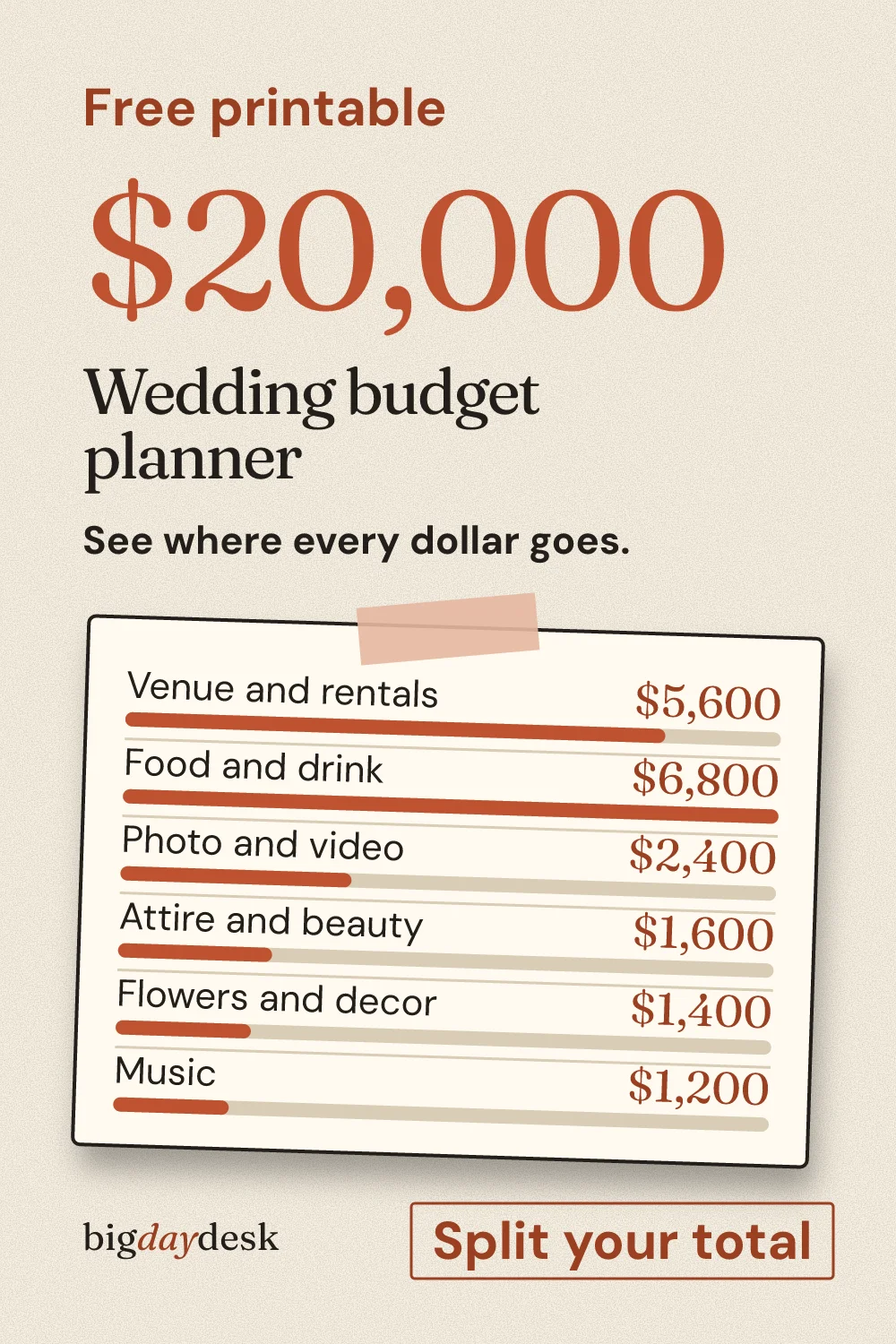
- Split the money. Enter a total in the budget planner and see six categories plus a cushion.
- Seat people. Set tables and seats in the seating chart maker, then print it with write-in lines.
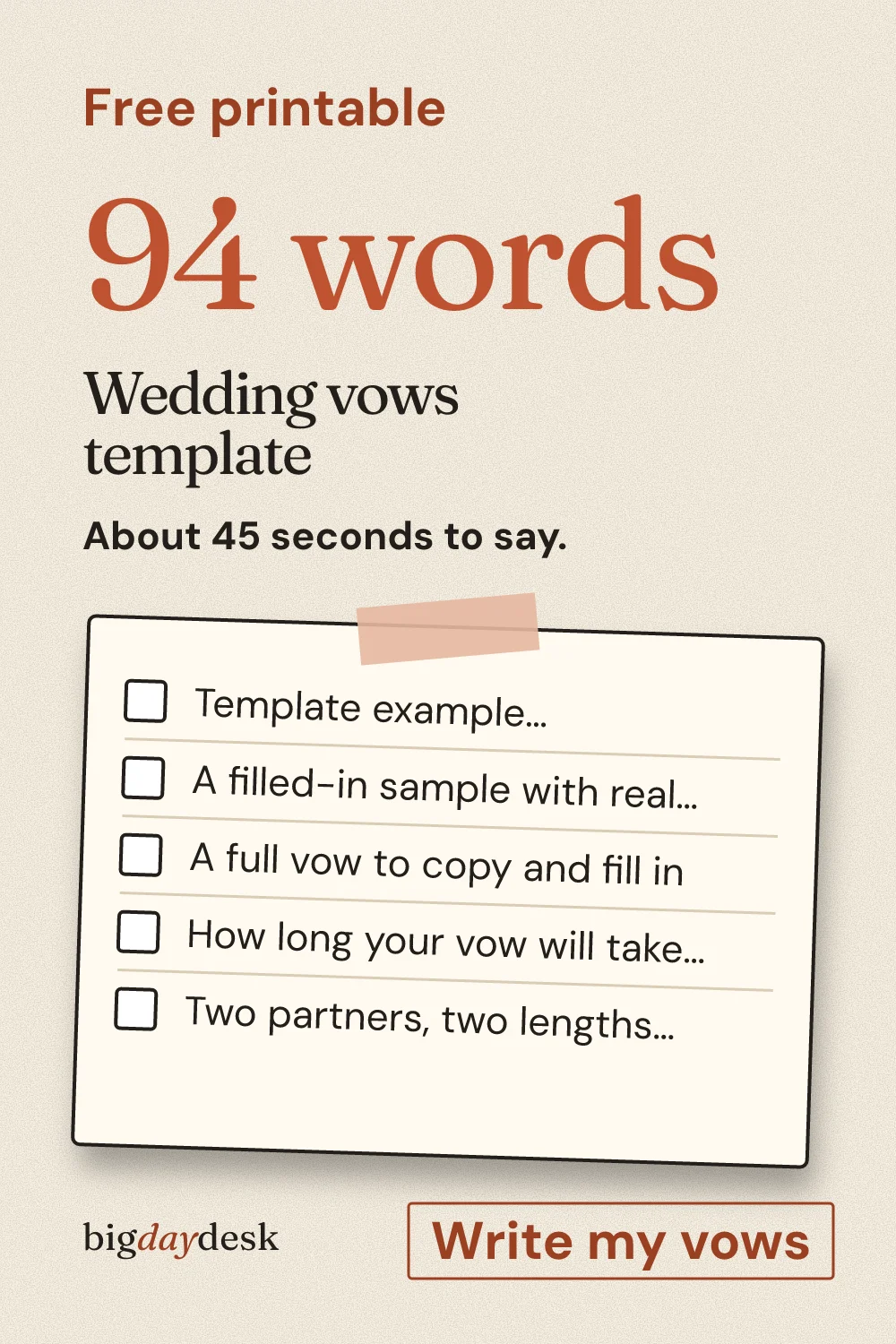
- Write the promise. Fill the blanks in the vows template and read your word count aloud.
Not sure where to begin? Set the guest count and the total first, because the budget split and the table count both start from them.
Tool previews you can open now
These are the actual defaults each tool starts with, computed by our own code. They are examples, not forecasts for your wedding. Open the tool and change the input to make them yours.
Timeline preview: a 4 PM ceremony, first look, 51 to 120 guests (our planning estimate)
| Time | Step |
|---|---|
| 11:25 AM | Hair and makeup |
| 1:25 PM | Get dressed, detail photos |
| 2:05 PM | First look and couple portraits |
| 2:50 PM | Wedding party portraits |
| 3:30 PM | Guests arrive and find seats |
| 4:00 PM | Ceremony |
| 4:30 PM | Family portraits |
| 5:05 PM | Cocktail hour |
| 6:05 PM | Dinner |
| 7:15 PM | Toasts and cake |
| 7:55 PM | First dance |
| 8:05 PM | Open dancing |
| 9:35 PM | Last song and send-off |
Assumption: durations are our own pacing estimates for a medium wedding. Change the time or the scenario and the whole sheet moves.
Budget preview: a $20,000 total, 100 guests, typical region (our estimate)
| Category | Amount | Share |
|---|---|---|
| Venue and rentals | $5,600 | 28% |
| Food and drink | $6,800 | 34% |
| Photo and video | $2,400 | 12% |
| Attire and beauty | $1,600 | 8% |
| Flowers and decor | $1,400 | 7% |
| Music | $1,200 | 6% |
| Cushion | $1,000 | 5% |
Assumption: the shares are our default split for a mid-size guest count, not a survey result. Drag them in the tool to match your own quotes.
What bigdaydesk is and is not
It is a set of small, free tools and pages for people planning their own wedding. The core tools each do one job: a timed schedule, a budget split, a seating list and a vow card. Around them sit speech outlines by role and printable wedding games and signs.
It is not a vendor directory, a booking site or a place that stores your guest list. Nothing you type is sent to us. If you share a link, the link carries only what you typed, so the person who opens it sees your result.
Read the plain details on how the site and its numbers work and on what happens to your data.
Browse by what you are planning
- Planning tools you can print covers the timeline, budget, seating chart, checklist, vow template and color palette.
- Vow examples and templates sorts vows by tone and situation, with word count and speaking time.
- Speech guides by role covers the best man, maid of honor, parents and the couple, with timings and openers.
- Ceremony scripts, readings and extras covers the rehearsal dinner, favors, guest books and vow renewals.
- Small, micro and backyard weddings is for guest lists under fifty.
- Bridal shower ideas and games and bachelorette party planning cover the events around the wedding.
Send it to the right person
Tap a card to copy the message, then paste it into a text or chat.
For a maid of honor, the maid of honor speech page is the one to send.
How to get the most from one session
- Open the budget first and set a total you can defend. Keep the cushion row.
- Open the timeline and enter the ceremony time your venue offers.
- Print both and put them in one folder.
- Send each link to the person who needs it. The link reopens exactly what you saw.
- Games and signs are for the shower and the reception, so open printables when those dates are set.

Save for later
Pin it now and find it when you are ready to plan.
Questions people ask
Is anything I type sent to a server?
No. Every tool runs in your browser, and names, times and totals stay on the page. We do not ask for an email. If you share a link, it carries only what you typed, so the person who opens it sees the same result.
Do the printouts work on Letter and A4?
Yes. Each printable has a Letter and an A4 layout, so use the paper your printer holds. If the print dialog offers "fit to page", turn it off so sizes stay true.
How does a shared link reopen my result?
The tool puts your inputs in the address, such as the ceremony time or the budget total. Anyone who opens the link gets the same sheet and can change it. Copy the link from the Share control or from the browser bar, both work.