
12 pages shown.
Day-of timelines
-
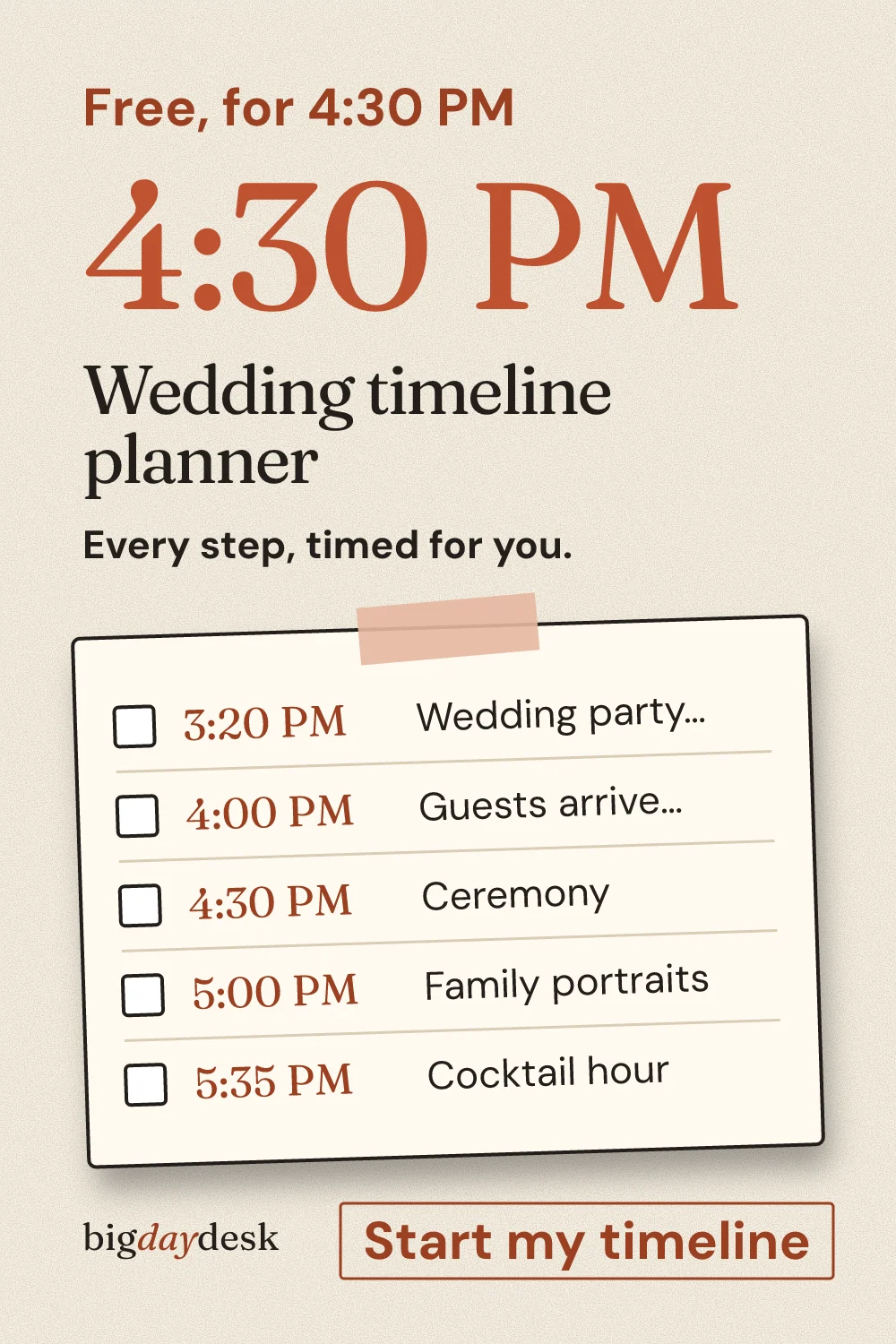
Wedding timeline planner: one ceremony time in, whole day out
One ceremony time drives every step, timed backward and forward, with guest count and scenario switches and a one-page printout.
Budget planners
-
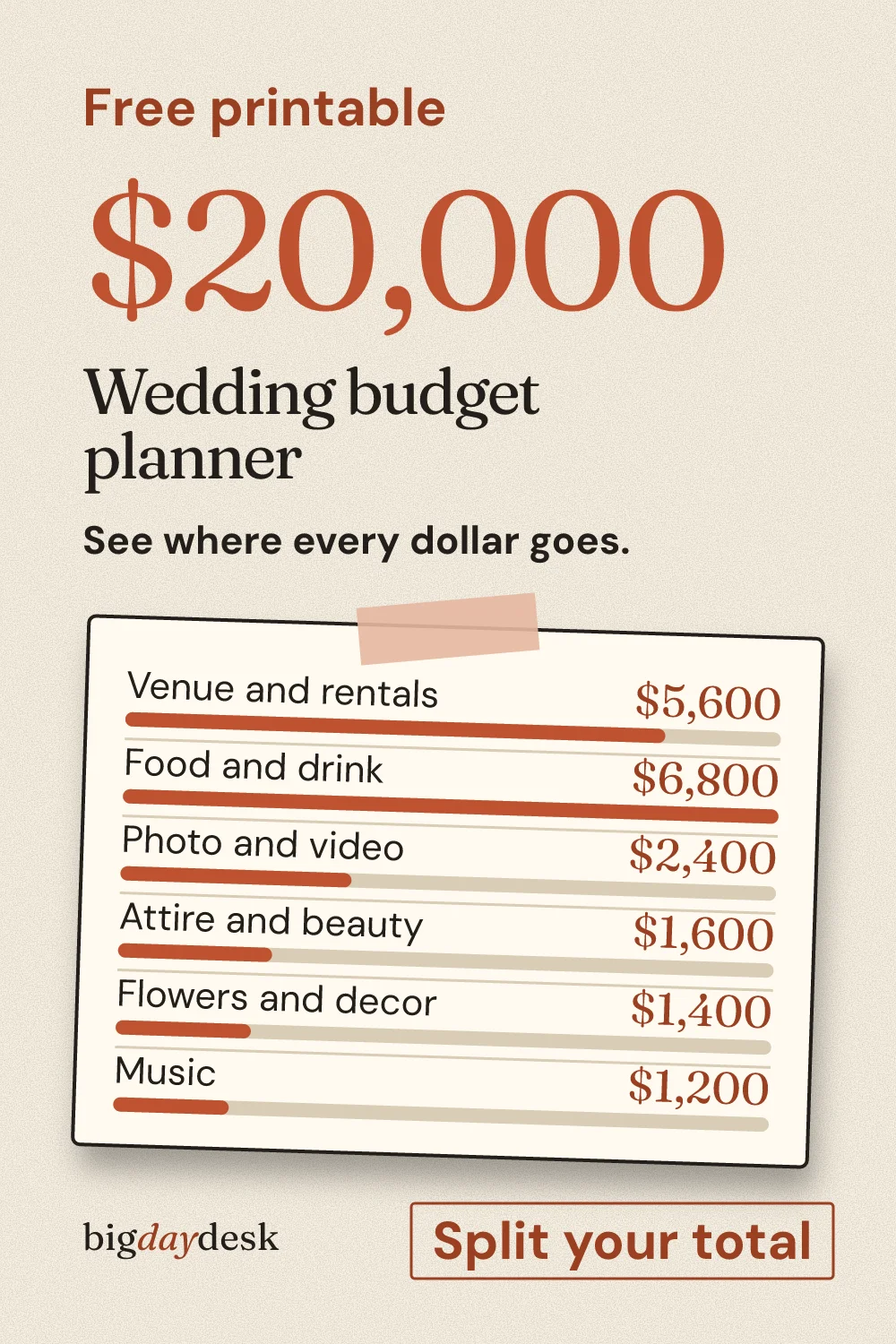
Wedding budget planner: split your total by category
Total, guests and region in; category amounts out, with an adjustable cushion and a per-guest figure labeled as an estimate.
Planning tools
-
Wedding seating chart maker: seat guests and print
Paste a guest list, set table sizes and seat people with checks for overfull tables and keep-apart rules, then print the table cards.
-
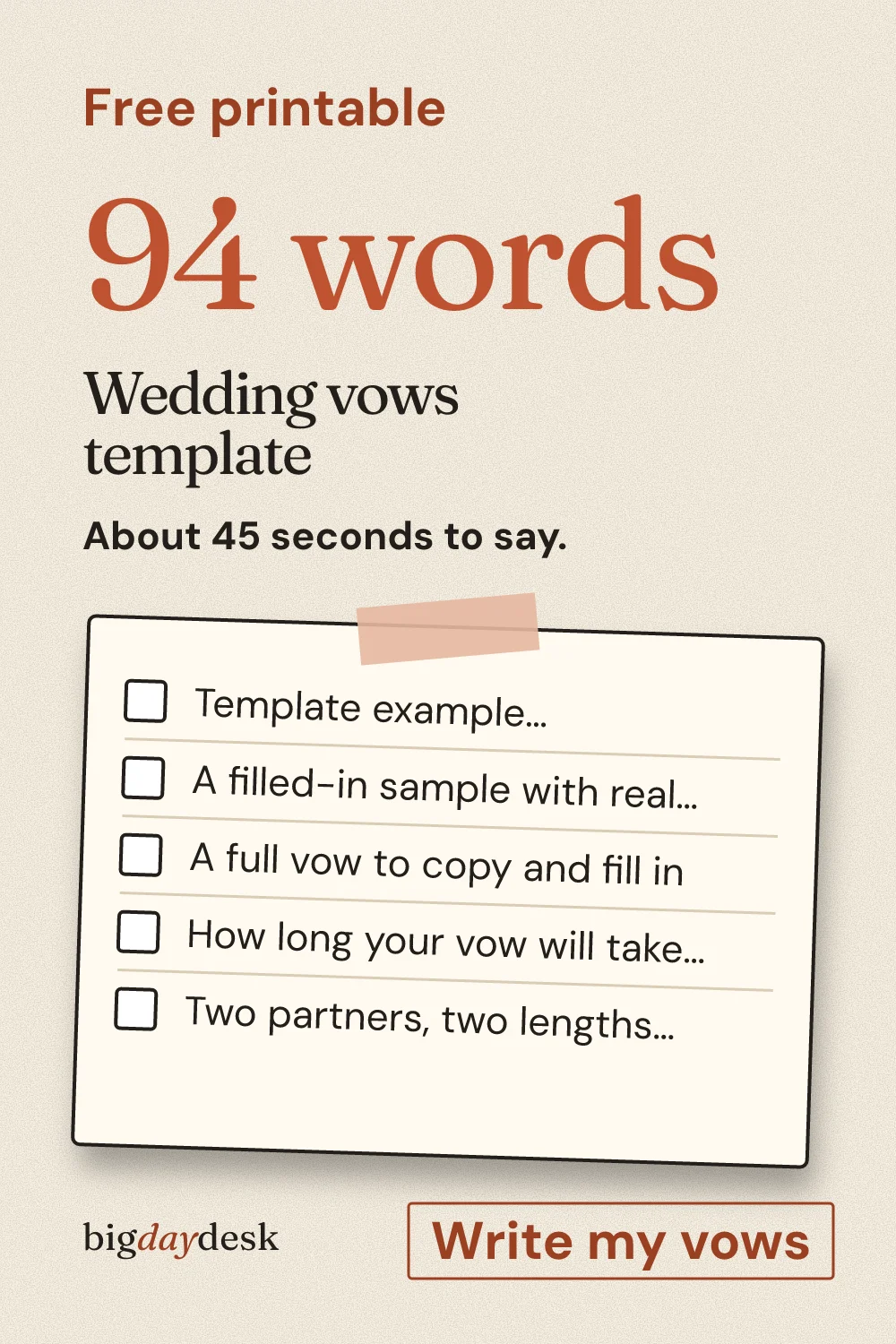
Wedding vows template: fill in the blanks and make it yours
Fill-in vows with blanks for a memory, a promise and a closing line, plus live word count and minutes at 130 words per minute.

Guides
-
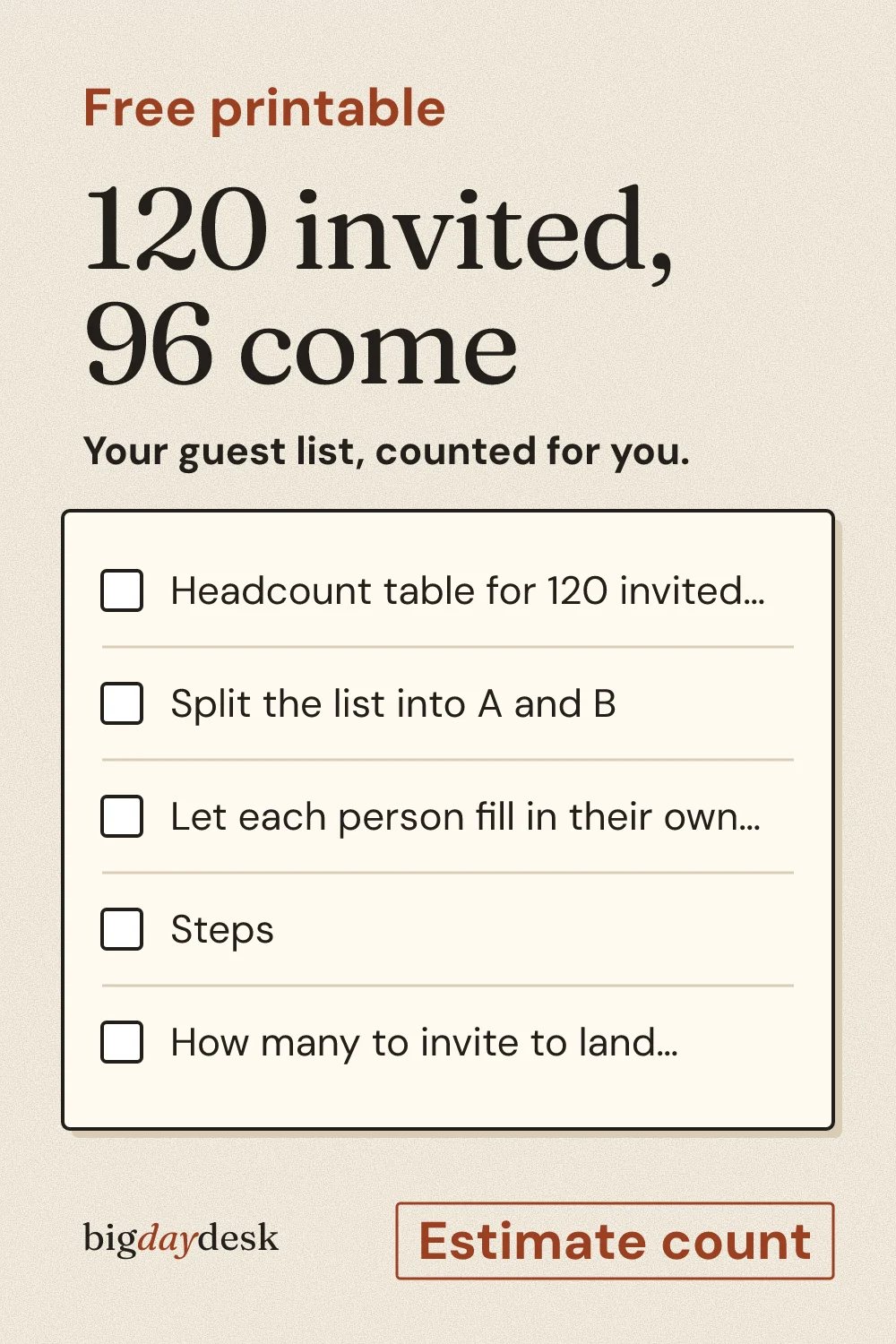
Wedding guest list template with RSVP count
Tiers guests into must-invite and maybe, applies a decline rate you choose, and outputs the headcount that feeds budget and seating.
-
Wedding hashtag generator from your names
Builds hashtags from the two names in six patterns and flags ones that read oddly when the words run together.
-
Wedding monogram maker: initials, layouts and print
Lays out the two initials and last name in five classic arrangements, including a circle and a stacked version, in our bundled fonts.
Checklists
-
Wedding emergency kit: what to pack and who carries it
Quantities scale with the size of the wedding party and you tick items off for each bag so nothing is packed twice.
-
Wedding venue questions to ask on a tour
Grouped by tour stage with a note field for each answer, and a side-by-side print layout to compare two venues.
-
Wedding planning checklist: 12 months, step by step
The master checklist: steps ordered by months out, each with a why and a time estimate, plus a compressed path if you have fewer months.
-
Wedding planning timeline: due dates from your wedding date
Turns the checklist into a calendar: enter the wedding date and every step gets a due date counted back from it.


Color palettes
-
Wedding colors: pick a palette and check the contrast
The palette tool: twelve palettes with hex codes and computed contrast ratios, so you know which pairs work for invitations and signs.

Most wedding planning stalls on one question: how many people are coming. Everything else is arithmetic on that number. The calculator below carries one headcount through cost per guest and tables. The tool tiles under it send you to the tool for whichever question you are stuck on, and the search box above finds one by a word. Nothing here asks for an email address.
Headcount calculator: invited to tables
Enter the numbers you believe today. The result updates as you type and every change goes into the page link, so your partner opens the same figures. These are our estimates from simple arithmetic: attending guests are invited guests minus the decline rate, cost per guest is your total divided by attending guests, and tables are attending guests divided by seats per table, rounded up.
- Headcount: 96 attend, 24 decline
- Budget: $208 per guest, our estimate on the total you entered
- Seating: 12 tables of 8, 0 spare seats
At 96 guests you need 12 tables, and one table fewer needs 8 fewer guests.
Open the budget planner with these numbers or open the seating chart with this table size.
Our example defaults match the guest list tool: in our estimate, 120 invited at a 20% decline rate gives 96 attending. The budget planner starts from a $20,000 total, which our estimate puts at about $208 per guest at that headcount. At 8 seats a table, an estimate of 96 guests fills exactly 12 tables with no spare seat. The day timeline tool starts from a 4:00 PM ceremony, and changing it moves every row. Press the lower decline rate example to see the same list become 102 guests, 13 tables and 2 spare seats in our estimate. The decline rate is an assumption, so use the number you believe for your own crowd, and the guest list tool explains how to choose it.

Pick a starting point
The tool tiles above list every tool. If you are not sure which to open, use this order:
- Nothing decided yet: open the guest list template and settle a headcount, because the budget, the tables and the venue size all follow from it.
- Money argument at home: open the budget planner twice, once with a small guest count and once with a large one, and compare the per-guest figures it shows.
- Date already fixed: open the planning timeline and read the due date beside each step.
- Venue not chosen: take the venue questions to every tour and compare the answers side by side.
- Venue chosen: build the day-of timeline so your photographer and caterer get one schedule.
- Rehearsing words: draft in the vow template and read it aloud against the minutes it shows.
Send this to your partner
Ready-made wording you can paste into a text or chat. Edit it so it sounds like you. The calculator above writes a version with your own numbers and link already filled in.
I found a set of free wedding planning tools that run in the browser. Can you open the guest list one first? Whatever we settle on feeds the budget and the seating chart.
For a maid of honor or planner, swap the last line for: “Open the timeline and tell me what looks too tight.”
What these tools are not
They do not book vendors, store your data on a server or promise exact prices. Every number a tool shows is an estimate from our own logic and the assumptions printed beside it. Treat the output as a first draft to check against real quotes from your venue and vendors.

Save for later
Pin it now and find it when you are ready to plan.
Questions people ask
Which tool should I open first?
Start with the guest list. Headcount drives the budget, the number of tables and the size of the venue, so it is the one number the rest depends on. After that, open the budget planner, then the seating chart, then the timelines. If your date is already fixed, the checklist and the planning timeline tell you what is due and when.
What should I do first if the wedding is under 6 months away?
Fix a rough headcount with the guest list, then tour venues with the venue questions list, because venue and caterer dates fill first. Open the planning checklist next: it keeps a shorter set of steps for 6, 3 or 1 months out. The planning timeline then shows each step with a due date counted back from your wedding date. Skip anything that would land after the wedding.
Can I print these tools?
Every tool has a print layout that drops everything except the sheet, and you can save it as a PDF from the print dialog. Only the seating chart and the day timeline promise a single page. The 12-month checklist and the 40-question venue list are longer, so do not count on one sheet for those.
Which tools save my choices in the page link?
Most tools put what you typed in the link, such as the budget total, the ceremony time, the seating names and the monogram letters, so a copied link reopens the same result for your partner. Two work differently. The venue questions list keeps your ticks on this device only. The checklist saves ticks on the device and also carries them in the link. The calculator on this page puts its four numbers in the part of the link after the hash mark, which is never sent to a server.
Updated by bigdaydesk editorial
Keep planning
-
Browse bachelorette party
Planner entry for the maid of honor, with the cost split and itinerary next to the games.
-
Small wedding planning: micro, backyard and elopement
Entry point for couples under about 50 guests: type a headcount and get the path that fits, its first decision and the next page.
-
Decision-first guides for ceremony
Decision-first guides for ceremony, rehearsal dinner, favors, guest book and renewals, each linked to the tool that does the math.


